Help centreAudit中文
Export your audit pack
One ZIP for your auditor with your policies, an evidence index, your evidence files and staff sign-off.
The audit pack puts everything your auditor reads into one file, sorted by requirement. CareHelm checks your records first and tells you what is still open.
Steps
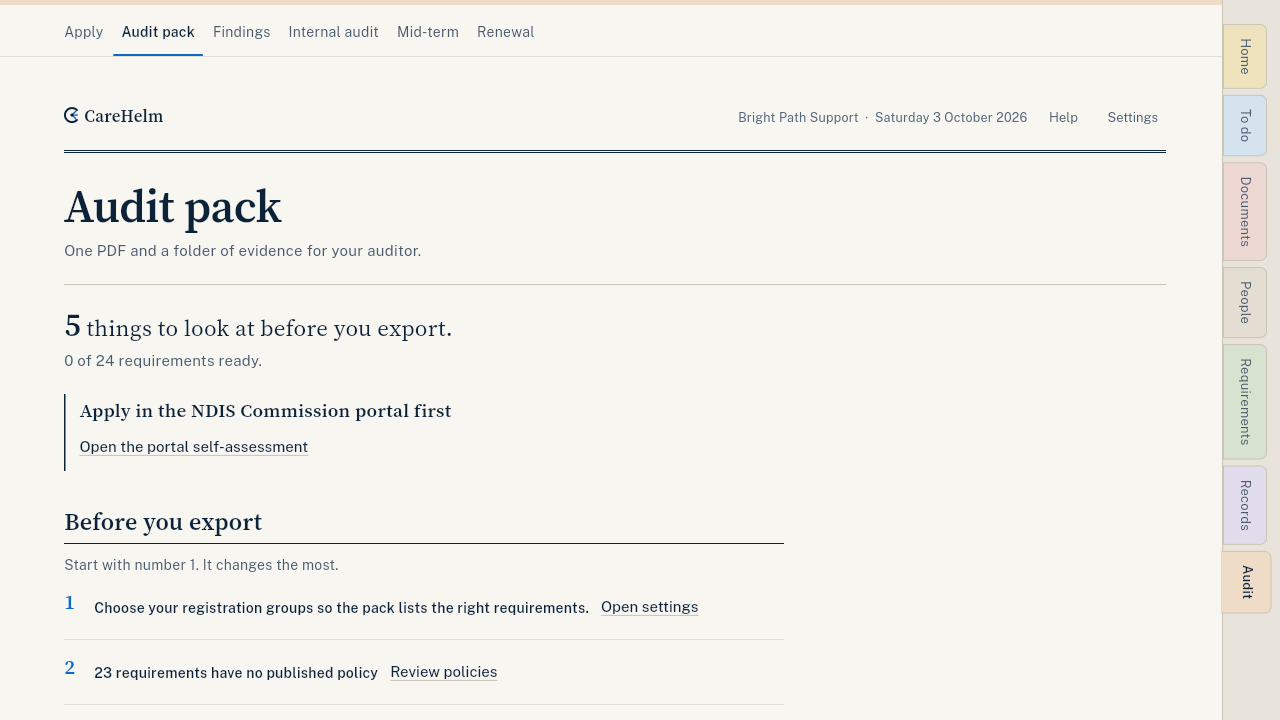
- Open Audit, then Audit pack.
- Read Before you export. Start with number 1. Fixing it helps the most. Each line links to the page where you fix it.
- Press Export audit pack.
- If something is still open, CareHelm asks first. Press Go back and fix, or Export anyway.
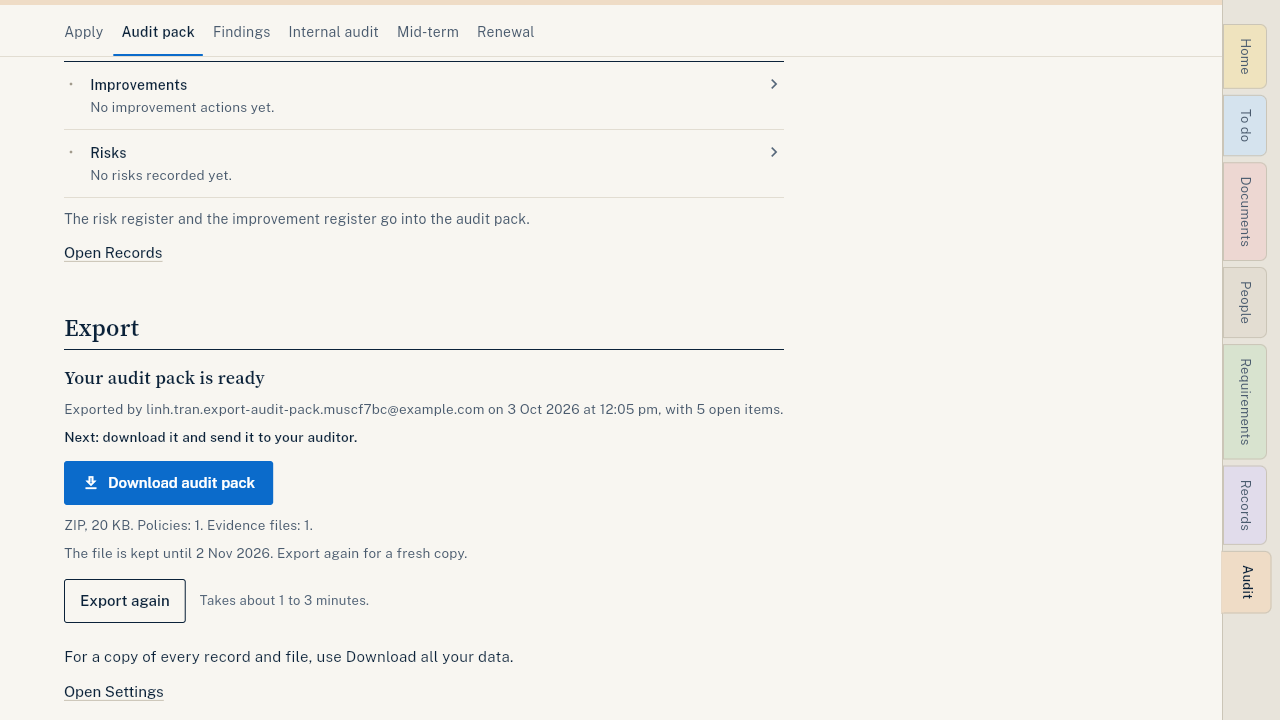
- Wait while the pack builds. It takes about 1 to 3 minutes. You can leave the page.
- When it says Your audit pack is ready, press Download audit pack.
- Send the ZIP to your auditor.
What goes in the pack
- Policies and procedures: one PDF for each published policy.
- Evidence index: links each requirement to its evidence.
- Evidence files: your confirmed documents that are still current.
- Worker sign-off register: who signed which policy version, and when.
Good to know
- Drafts, expired and unconfirmed documents stay out of the pack.
- The file is kept for 30 days. Export again for a fresh copy at any time.
- Past exports lists every pack, with how many items were open.
- For a copy of every record and file, see Download all your data.