Help centre
Short guides for each task in CareHelm, with screenshots and videos. 中文帮助
Videos
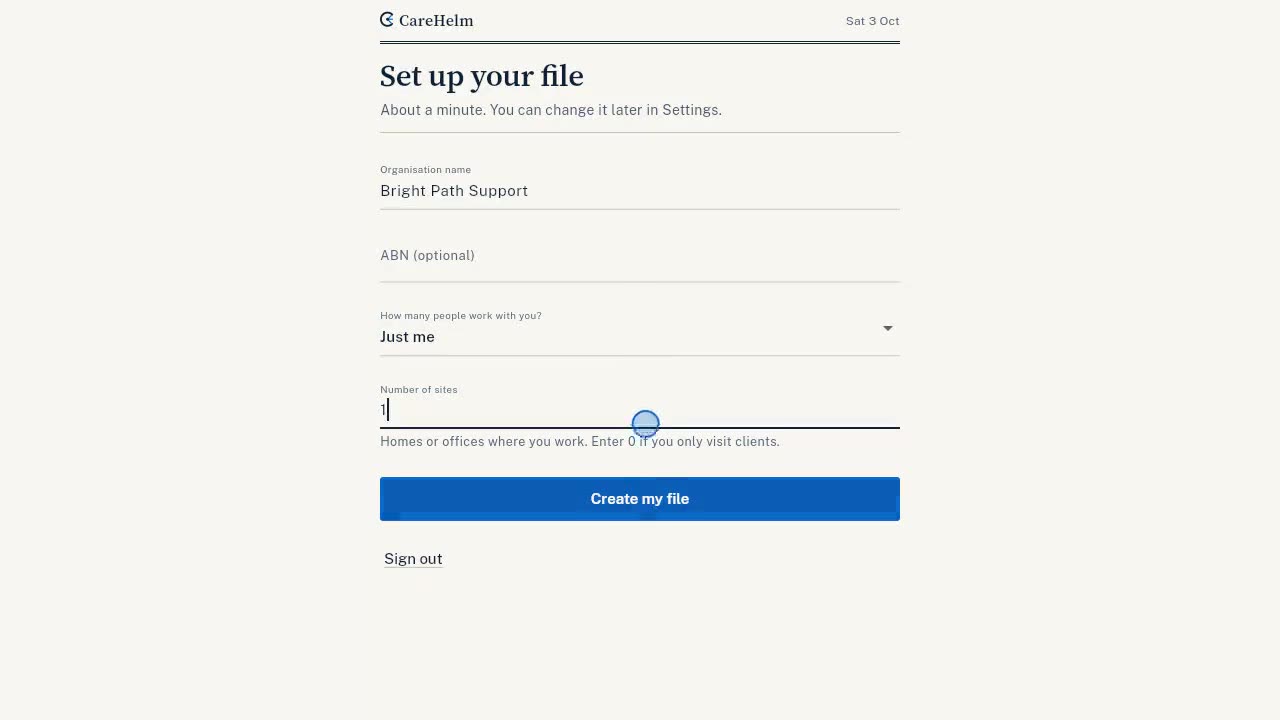 Start from scratch4 min, English and Chinese captions
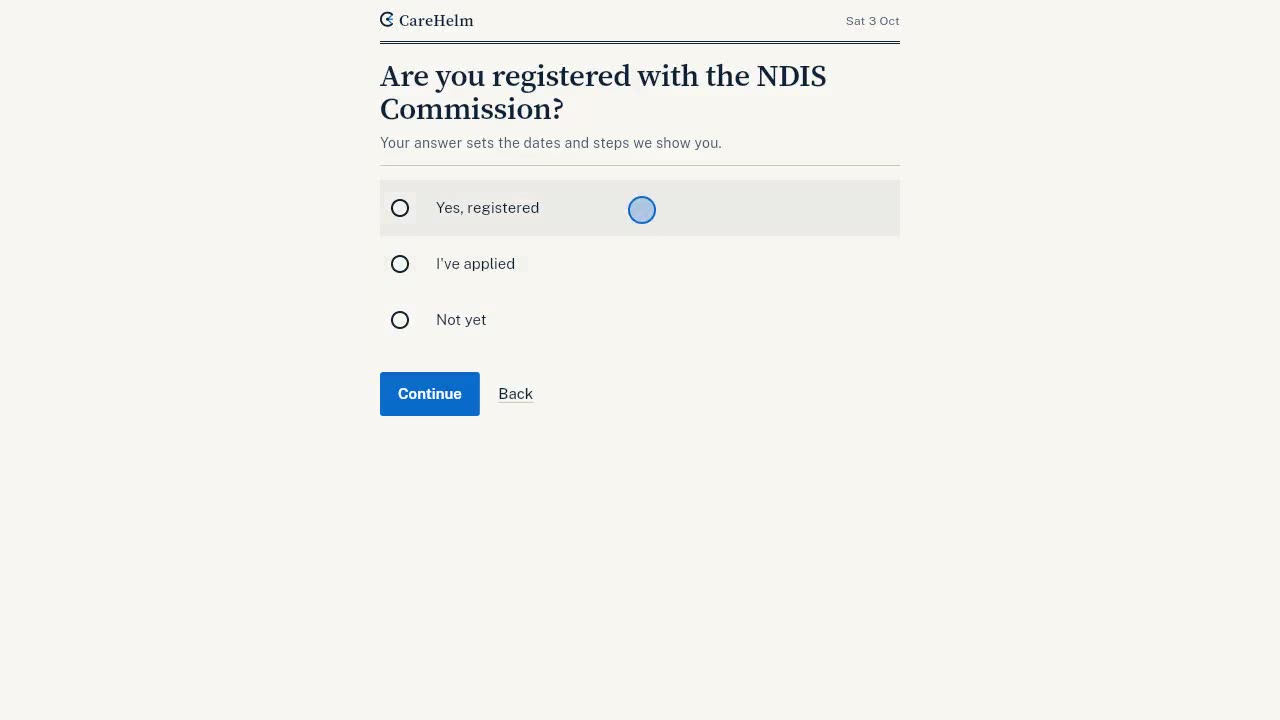 Already registered: import your files2 min, English and Chinese captions
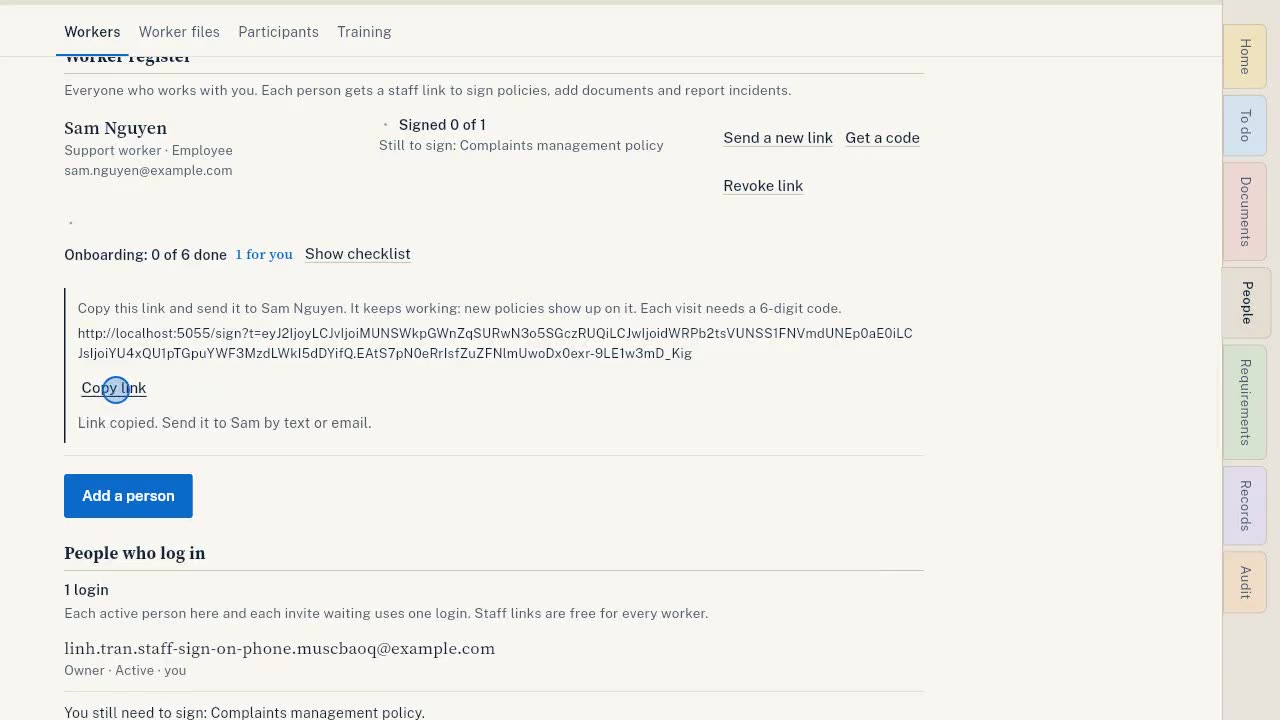 Staff sign policies on a phone1 min, English and Chinese captions
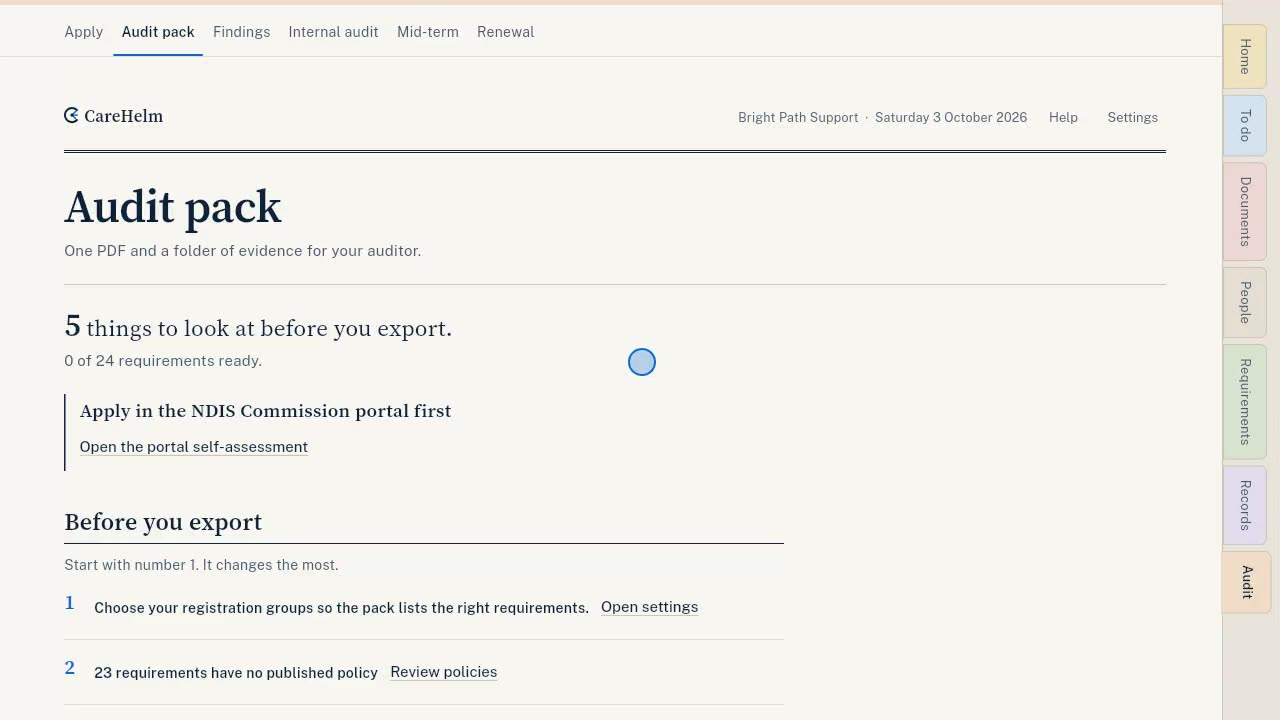 Export your audit pack1 min, English and Chinese captions
Getting started
- Get started in CareHelmThe seven steps on your Home page, in the order to do them.
- Choose how to startThe first screen after you set up your organisation. Pick the path that fits where you are.
- Do the quick checkTen questions, about three minutes. You then see how many requirements you already have in place, and a first task.
- Answer the gap assessmentGo through each requirement that applies to you and say how far along you are.
- Choose your registration groupsYour registration groups set which requirements apply and what kind of audit you need.
Policies and documents
- Answer About your businessFifteen questions about how you work. You answer them once, and every policy reuses the answers.
- Write a policy from questionsPick an outline, answer a few questions, check each section of the draft, then publish.
- Draft a policy with AIAI can write the first draft of each section from your answers. You check every section before it is used.
- Import the files you already haveUpload your policies, certificates and registers in one go, check each file, then see what is still missing.
- Add a certificate or other evidenceUpload one document or several, link them to the requirements they prove, then check and confirm each one.
- Replace a document before it expiresUpload a new copy of an expiring certificate. The type and requirements are filled in for you.
Your team
- Add your workersPut everyone who works with you on the worker register, so screening, training and signatures are tracked.
- Send a worker their staff linkEach worker gets a personal link to sign policies, send their documents and report incidents.
- Sign policies on your phone (for workers)What a worker does with their staff link: enter the code, read each policy, sign with initials.
- Give someone app accessInvite an admin to help run CareHelm, or a staff member to log in to their own page.
- Change or end someone's accessChange a person's role, deactivate or remove their login, withdraw an invite, or leave an organisation.
Records
- Report and manage an incidentRecord what happened, check whether it is reportable to the NDIS Commission, and track each deadline.
- Keep your risk, complaint and improvement registersThe registers your auditor reads. Keep them up to date and they count as evidence.
- Use your To do listEverything that needs you, most urgent first: deadlines, expiring documents and next steps.
Audit
- Plan the weeks before your auditAdd your audit dates and CareHelm plans each week back from them.
- Draft your portal self-assessmentBuild draft answers for Part 2 of your NDIS Commission portal application, then copy them in.
- Export your audit packOne ZIP for your auditor with your policies, an evidence index, your evidence files and staff sign-off.
Account
- Check your plan and loginsSee which plan you are on, what it includes and how many logins you use.
- Download all your dataOne ZIP with your records as CSV files, the files you uploaded and your policies as PDF.
Contact us
Our support inbox is being set up. Its address will be on this page when it opens. Until then, each guide here covers one task step by step.
When the inbox opens, you can write to us in English or Chinese. 可以用中文写信。 中文帮助