Help centrePolicies and documents
Replace a document before it expires
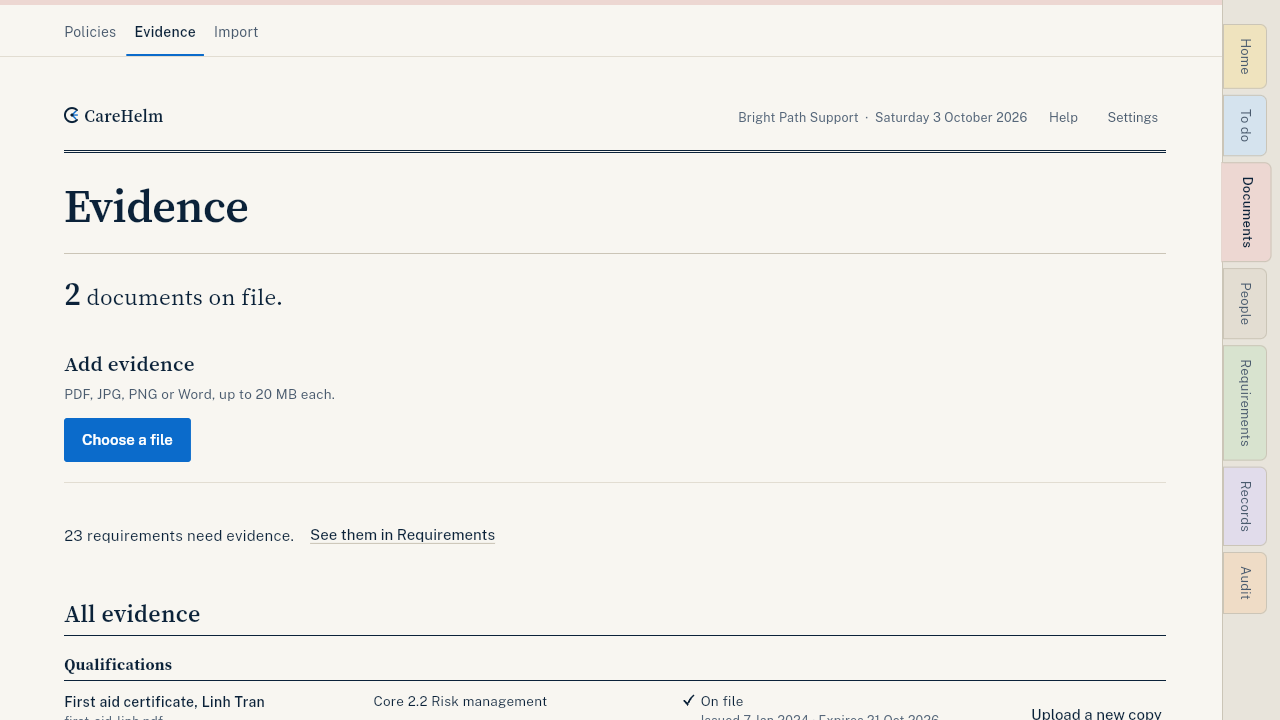
Upload a new copy of an expiring certificate. The type and requirements are filled in for you.
CareHelm reminds you before a document expires, on Home and in To do. An expired document stays out of your audit pack, so replace it in time.
Steps
- Open the reminder in To do, or open Documents, then Evidence.
- Find the document. A document expiring within 30 days shows Upload a new copy.
- Press Upload a new copy. The form opens with the same type and requirements.
- Choose the new file, check the title, and press Upload.
- Check the new dates and press Confirm.
Good to know
- The old copy stays in your records. The audit pack uses the current one.
- Reminders show on Home and in To do for the owner and admins.