Help centrePolicies and documents
Answer About your business
Fifteen questions about how you work. You answer them once, and every policy reuses the answers.
About your business asks how you deliver supports, who does what, and what happens in common situations. Your answers fill the shared parts of every policy, so you type less later.
Steps
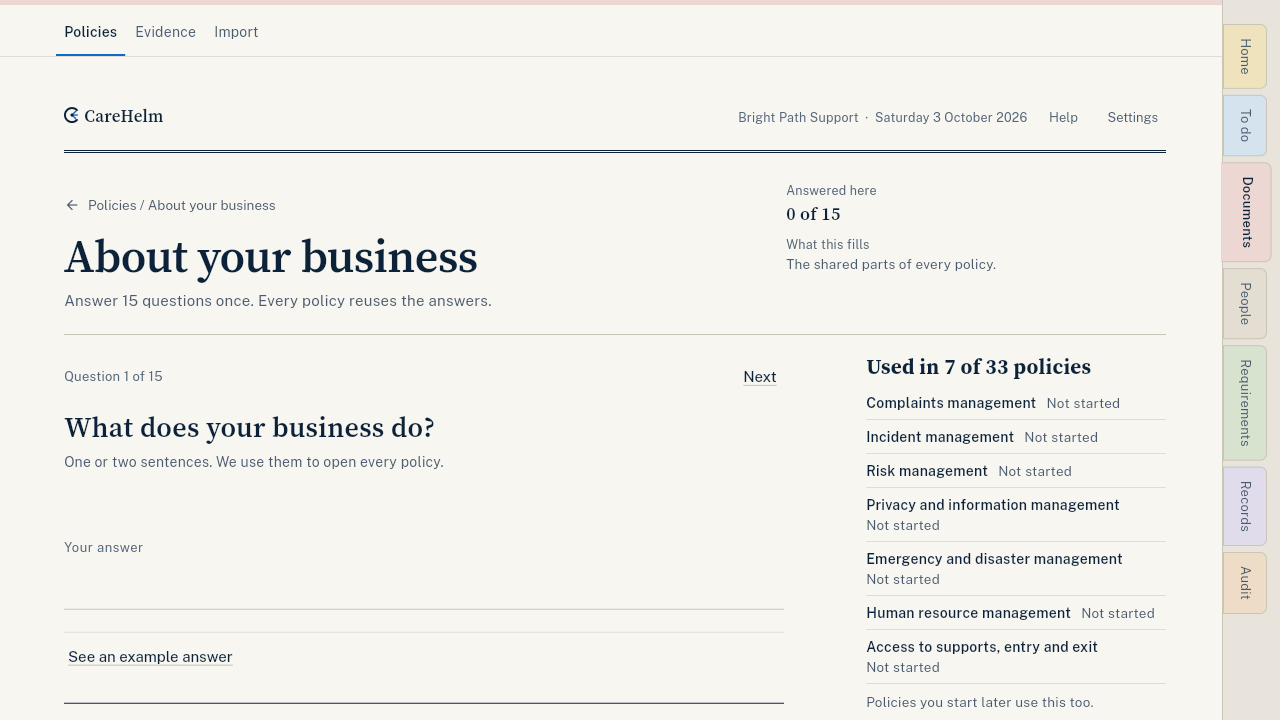
- Open Documents. Next to About your business, press Start (or Continue if you have begun).
- Read the question. Press See an example answer if you want a model to follow.
- Write your answer, or tick the options that apply. Some questions ask you to pick a person from your team for each duty.
- Press Save and next. The next question opens and shows that your answer was saved.
- After question 15, press the button to go to your next getting-started step.
Good to know
- Describe what really happens. A few plain sentences is enough.
- Not sure? Press Skip for now. A skipped question becomes a to-do in each draft.
- Use roles for participants, like "the participant". CareHelm warns you if an answer looks like it has a participant's name.
- You can change an answer at any time. If a policy is already published, update it too.
- On a computer, Ctrl Enter saves, and J and K move between questions.