Help centreRecords
Keep your risk, complaint and improvement registers
The registers your auditor reads. Keep them up to date and they count as evidence.
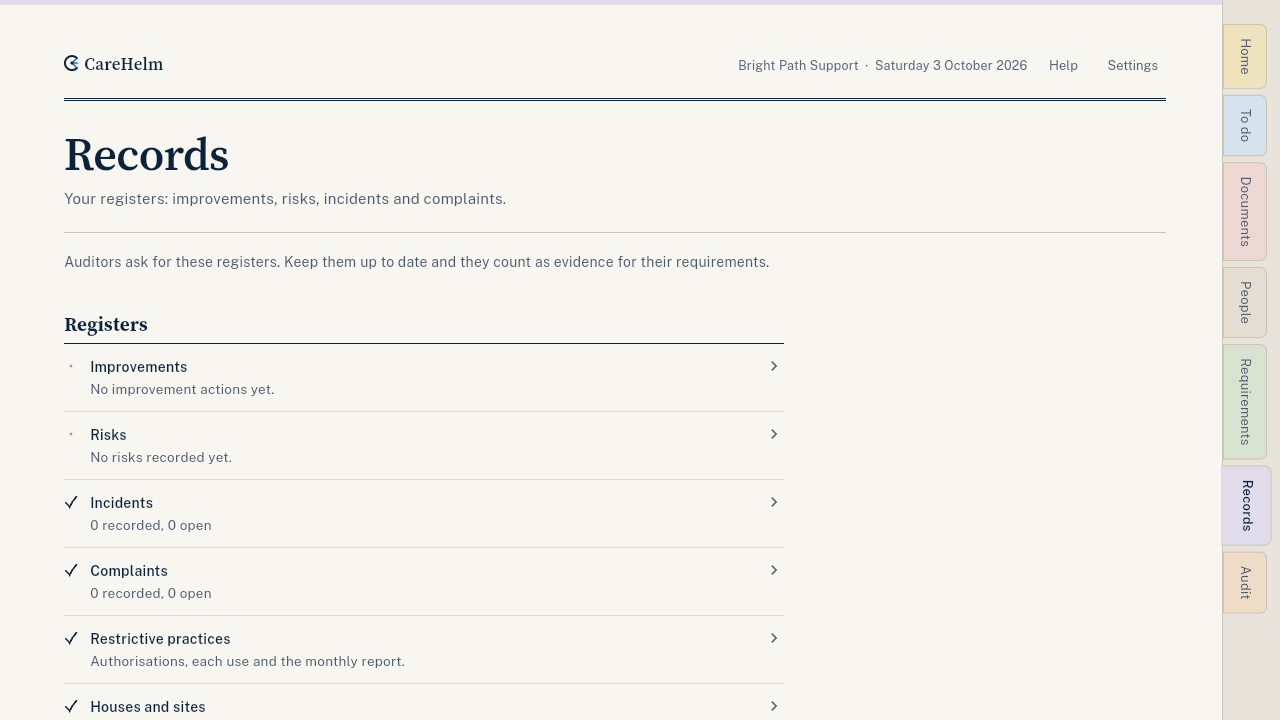
Records holds your registers: improvements, risks, incidents and complaints. Auditors ask for these. Each one goes into your audit pack.
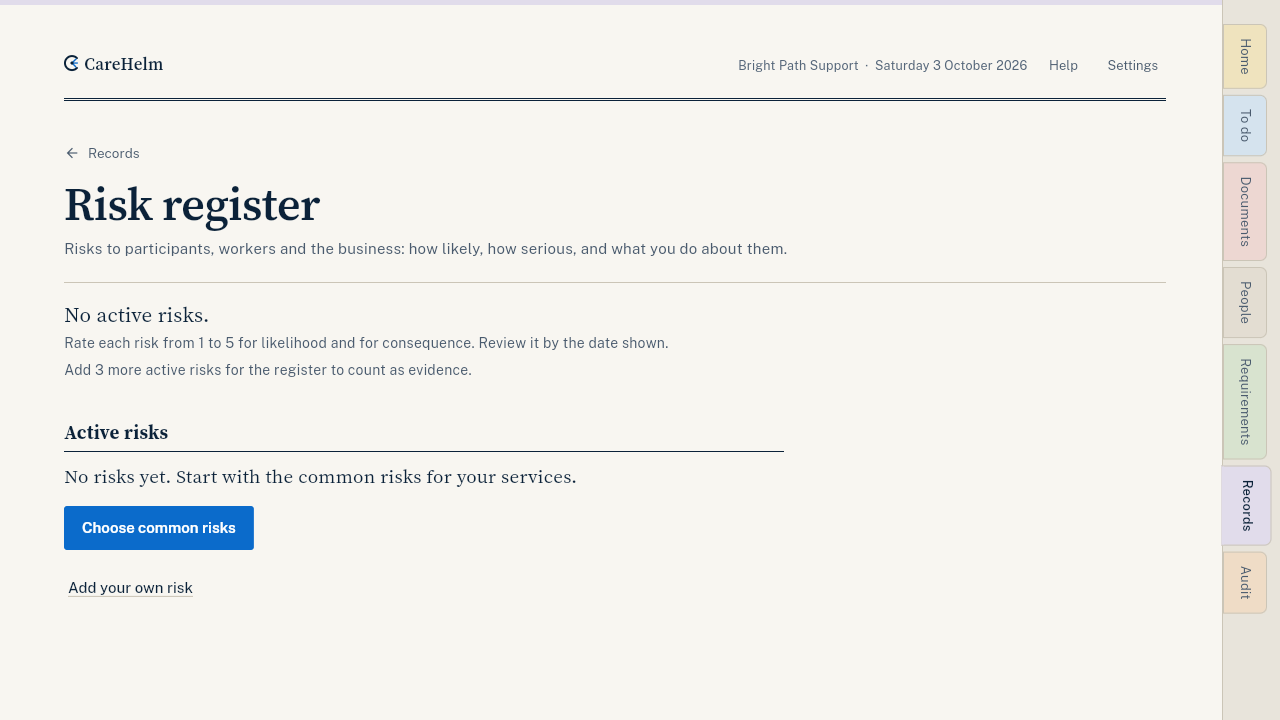
Risk register
- Open Records, then Risks.
- Press Add common risks and tick the ones that apply to your services, or press Add your own risk.
- Rate how likely and how serious each risk is, and write the controls you use.
- Press Record a review when you check a risk again.
Complaints register
- Open Records, then Complaints, and log each complaint with a participant code. Leave names out.
- Record when you acknowledged it, what you did, and when it was resolved.
- Share Your complaints link or print its QR code, so people can complain without calling you.
Improvement register
- Open Records, then Improvements, and press Add an improvement action.
- Say what you will change, who owns it and by when.
- When it is done, say what you did. Later, press Record that it worked.
Good to know
- An incident, complaint or risk can become an improvement action with one press.
- Each register shows which requirements it counts as evidence for.