Help centreRecords
Report and manage an incident
Record what happened, check whether it is reportable to the NDIS Commission, and track each deadline.
Anyone in your team can report an incident: workers from their staff link, people who log in from Report an incident. The owner and admins then work through the record under Records, Incidents.
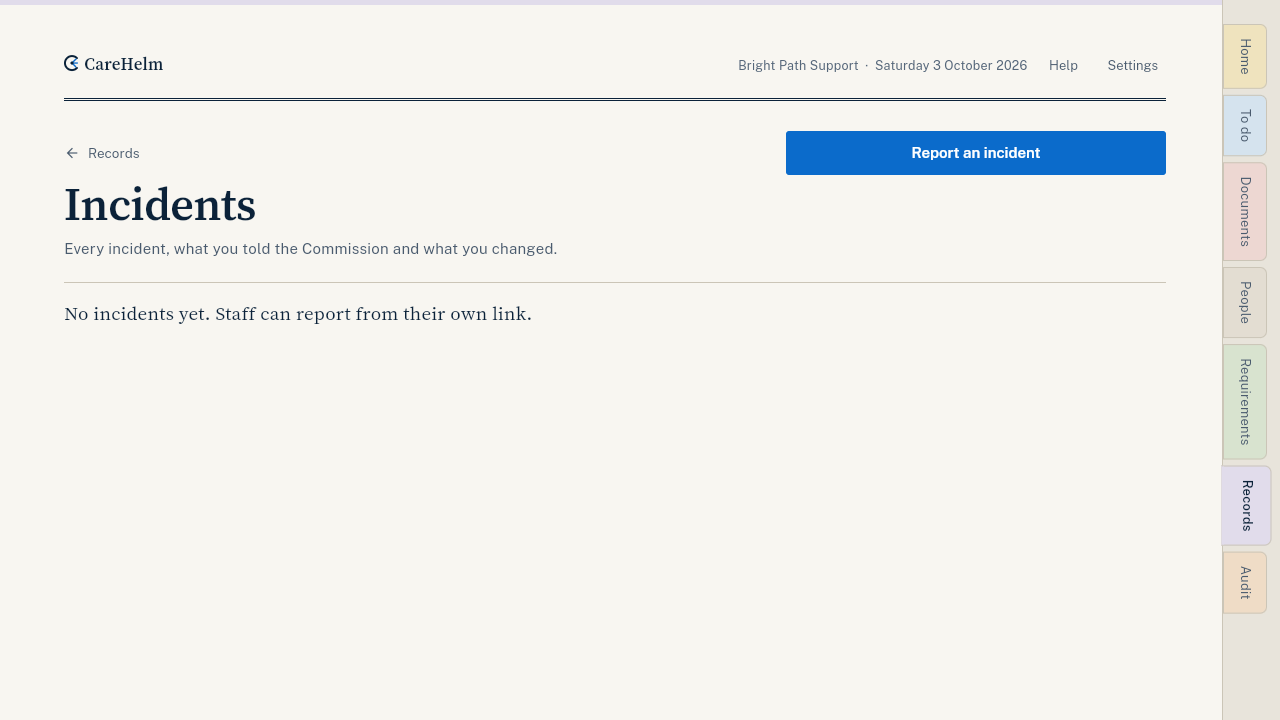
Report an incident
- Open Records, then Incidents, and press Report an incident. Workers press Report incident on their staff link.
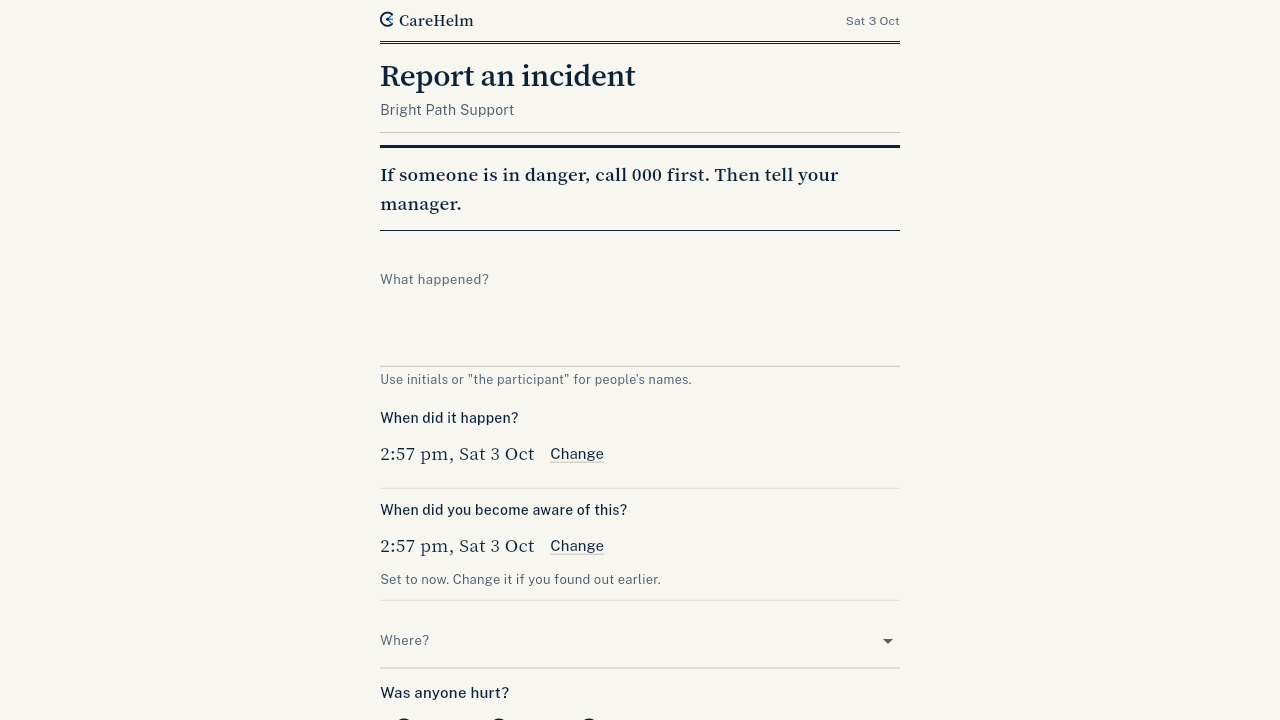
- Say What happened? in plain words. Use roles or codes for people, like "the participant".
- Choose Where? and answer the questions about injury and harm.
- Press Send report.
Manage it
- Open the incident from the register. CareHelm shows whether it may be reportable to the NDIS Commission, and the time limits.
- If you notify the Commission, record the date and reference number with Record the notice.
- Record when you sent the 5 Day Form. CareHelm lists the details the form asks for.
- Write what you found in the investigation and add corrective actions.
- When everything is done, close the incident. Closing locks the record.
Good to know
- The time limits are set by law. Each deadline shows in To do.
- Most reportable incidents must be notified within 24 hours.
- CareHelm suggests whether an incident is reportable. You decide.