Help centreAudit
Plan the weeks before your audit
Add your audit dates and CareHelm plans each week back from them.
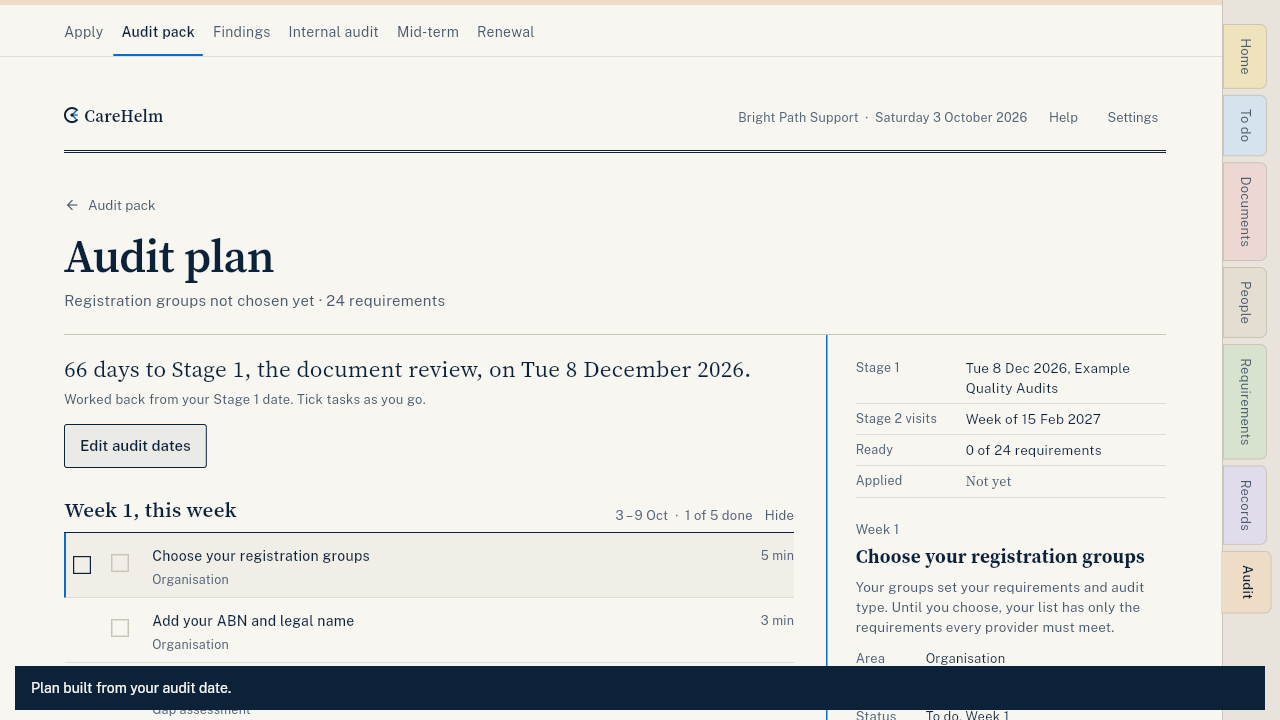
The audit plan works back from your audit date and sorts the tasks into weeks, with a daily checklist for the last few days.
Steps
- Open Audit, then Audit plan. On a phone, Audit is under More.
- Type the dates your auditor confirmed. For a certification audit: the Stage 1 date (document review) and the first day of Stage 2. For a verification audit: the audit date.
- Add the auditor's name if you like. Press Build my audit plan.
- Work through each week. Tick a task when it is done.
- Press Move to next week to move tasks you can't do this week.
Good to know
- No date yet? The plan sorts tasks into weeks anyway. Add the date when it is booked.
- Press Edit audit dates if the auditor moves the date.
- On a computer: J and K move, X selects, Space marks done, M moves selected tasks to next week.