Help centreGetting started
Choose your registration groups
Your registration groups set which requirements apply and what kind of audit you need.
Each NDIS support you provide belongs to a registration group, like Assistance with daily personal activities 0107. Your groups decide your requirements list and whether you need a verification or a certification audit.
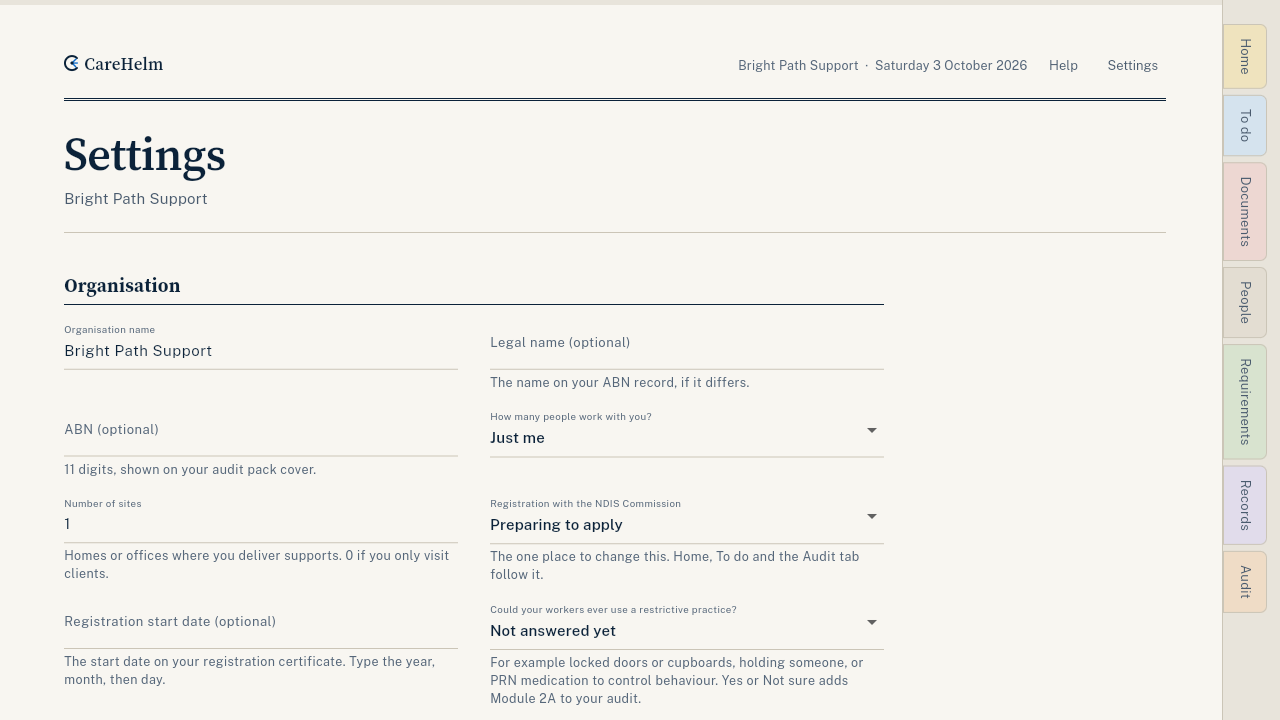
Steps
- Open Settings. On a computer it is at the top of each page; on a phone it is under More.
- Under Registration groups, press Choose registration groups.
- Tick each group you provide or plan to provide. CareHelm shows how your requirements list changes.
- Press Save. Save stores your organisation details and your registration groups.
- Read the line under the groups. It says which audit you need and how many requirements it has.
Good to know
- Until you choose, your list has the requirements every provider must meet.
- Not sure which groups fit? The free checker suggests them from what you do.
- Changing groups here does not notify the NDIS Commission. Tell them separately.
- The answers about restrictive practices and behaviour support on the same page also change your requirements.