Help centreYour team
Send a worker their staff link
Each worker gets a personal link to sign policies, send their documents and report incidents.
A staff link is personal to one worker and works for 12 months. New policies show up on it when you publish them. Each visit needs a six-digit code that you give the worker.
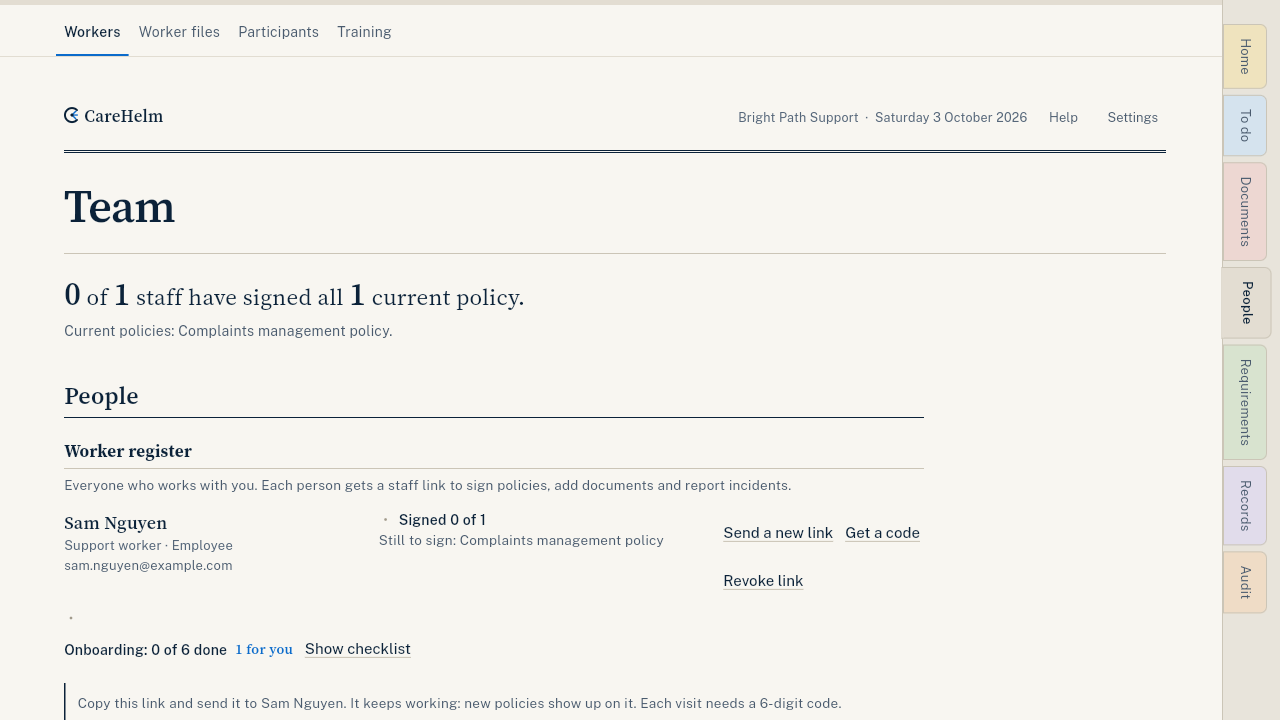
Steps
- Publish at least one policy first. See Write a policy from questions.
- Open People. Find the worker's row.
- Press Send staff link.
- Press Copy link and send it to the worker by text or email.
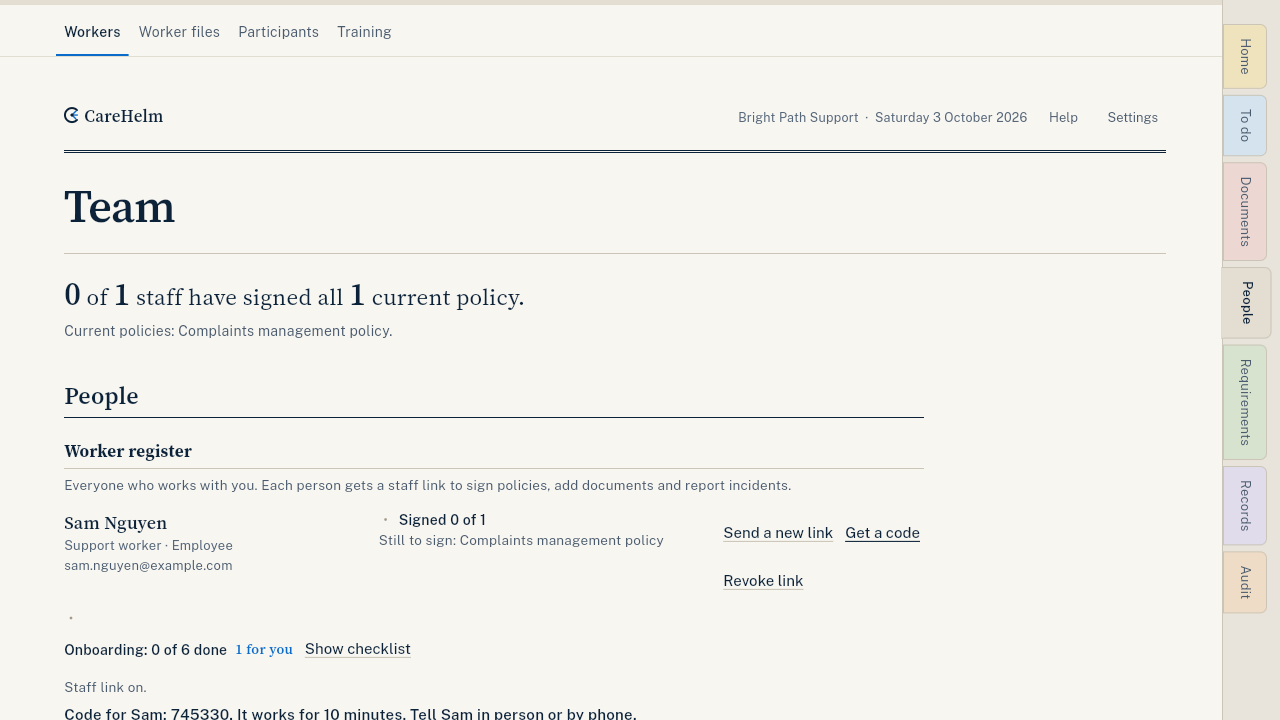
- When the worker opens the link, it asks for a code. Press Get a code on their row and tell them the code in person or by phone. A code works for 10 minutes.
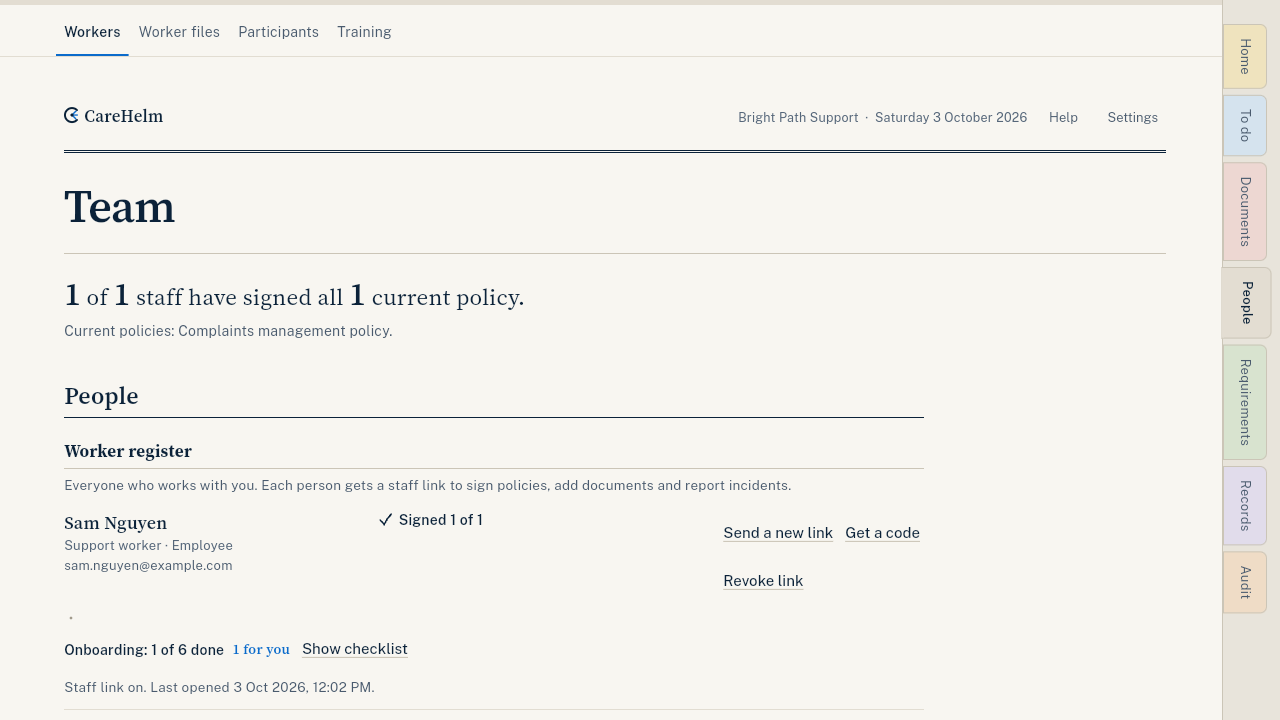
- When the worker has signed, their row shows Signed. The audit pack includes this sign-off register.
Good to know
- To send links to everyone at once, press Send staff links to all above the list.
- Turn off link stops a link at once. You can send a new one later.
- Each staff link works for 12 months. Its row shows the end date. When it has expired, the row says so: press Renew staff link and send the new link. The old one stops working.
- When you deactivate or remove a person with a login, their staff link stops too. See Change or end someone's access.
- Staff links are free for every worker and use none of your logins.
- What the worker sees: Sign policies on your phone.